
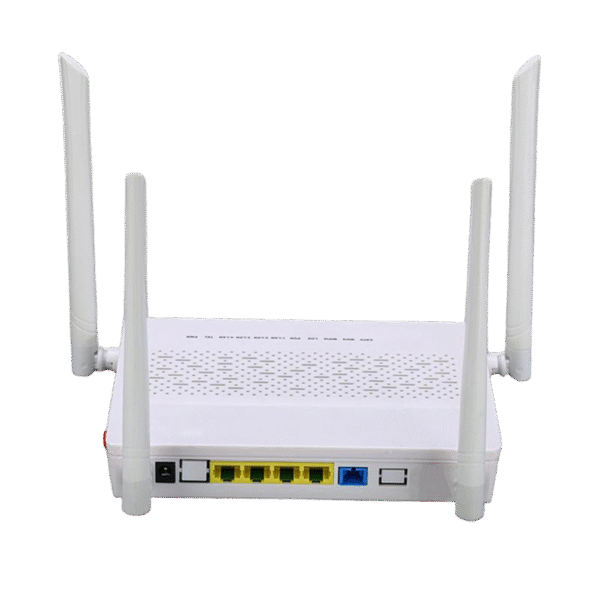
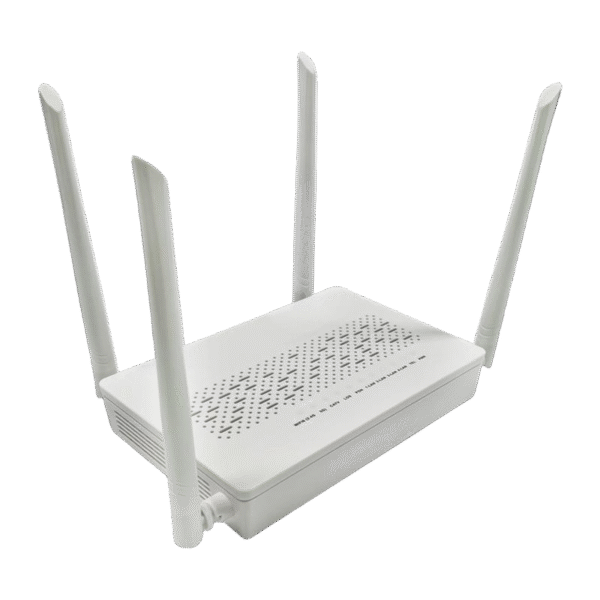
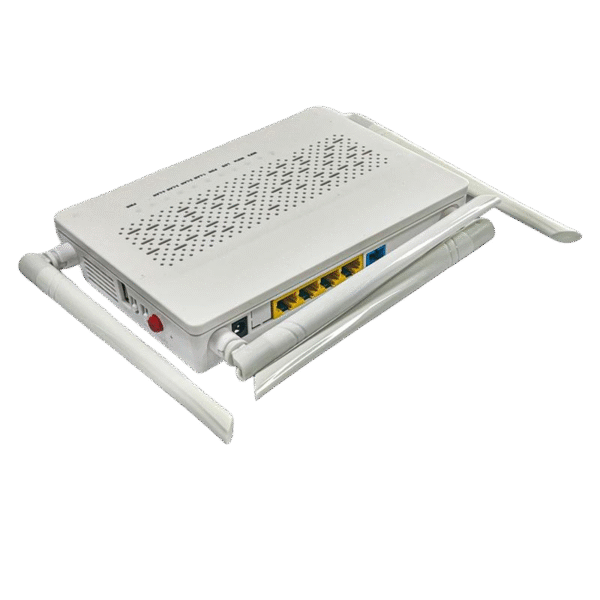
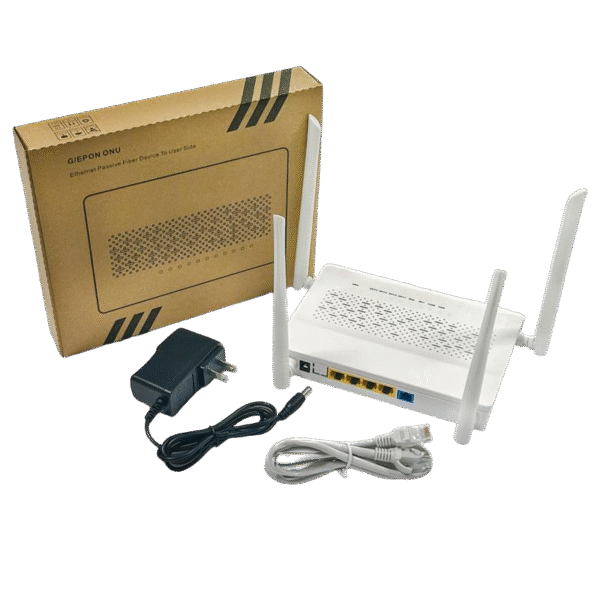
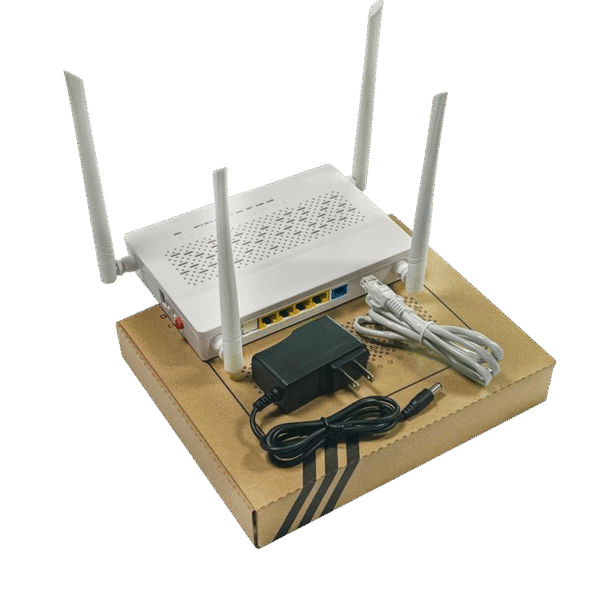
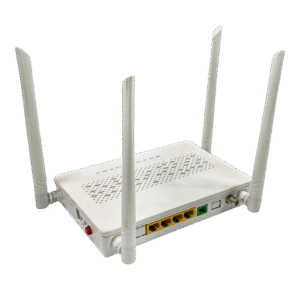
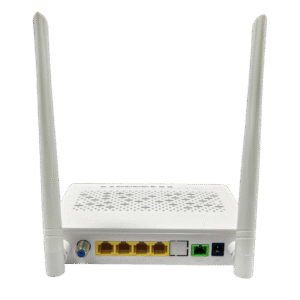
Interface of device
| Port Type | Function |
| LAN 1~4 port | RJ45 Port connects to local internet,4 GE ports |
| Reset Button (RST) | Press down reset button and keep 5 seconds to make the device restart and recover from the factory default Settings |
| WPS Button (WPS) | WPS: Press for 3 seconds and press the WPS button of other Wi-Fi devices within 2 minutes to start standard WPS negotiation |
| PWR port (DC12 V) | Connect with power adapter |
| Power turn on/off | Power turn on/off |
PON Interface Specifications
| Parameter | Description |
| Connector style | SC/APC or SC/UPC |
| PON quantity | 1 |
| Fiber style | Single mode |
| Wavelength | TX:1310 +/-20nm RX:1490 +/-10nm |
| PON interface standard | ITU-T G.984/ITU-T G.988/IEEE802.3ah |
| PON interface receiving rate | EPON:1.25Gpbs GPON:2.488Gpbs |
| PON interface transmitting rate | EPON:1.25Gpbs GPON:1.244Gpbs |
| Output optical power | Min: 0dBm Max: +4dBm |
| Optical receiver sensitivity | Precede -28dBm |
| The length of the optical link | Max 20km |
Physical structure, Environment and Electrical parameter
| Parameter | Description |
| Dimension | 185*125*32mm(L×W×H) |
| Net weight | 0.5Kg(mainframe) |
| Typical power consumption | ≤7W |
| Noise | None |
| Cooling style | Naturally cooling |
| Power supply | input+12V 1.0A,footprint:DC0005 ø2.1MM |
| Environment | -5~+55℃ |
Wi-Fi Specifications
| Product Name | Product Model | Descriptions |
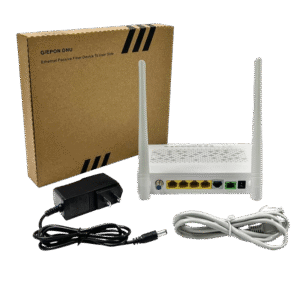
| XPON ONU | XN41GAX3 | 4GE+WIFI6 AX3000(2.4G&5.8G), User manual, Power supply adapter |
Reviews
There are no reviews yet.